Turn Any
Concept
into AI Mockup Designs
Professional AI Business Card Mockup Design Generator for products, packaging, apparel, screens, and branded scenes. Upload a reference, choose your style, and generate polished visuals in minutes.
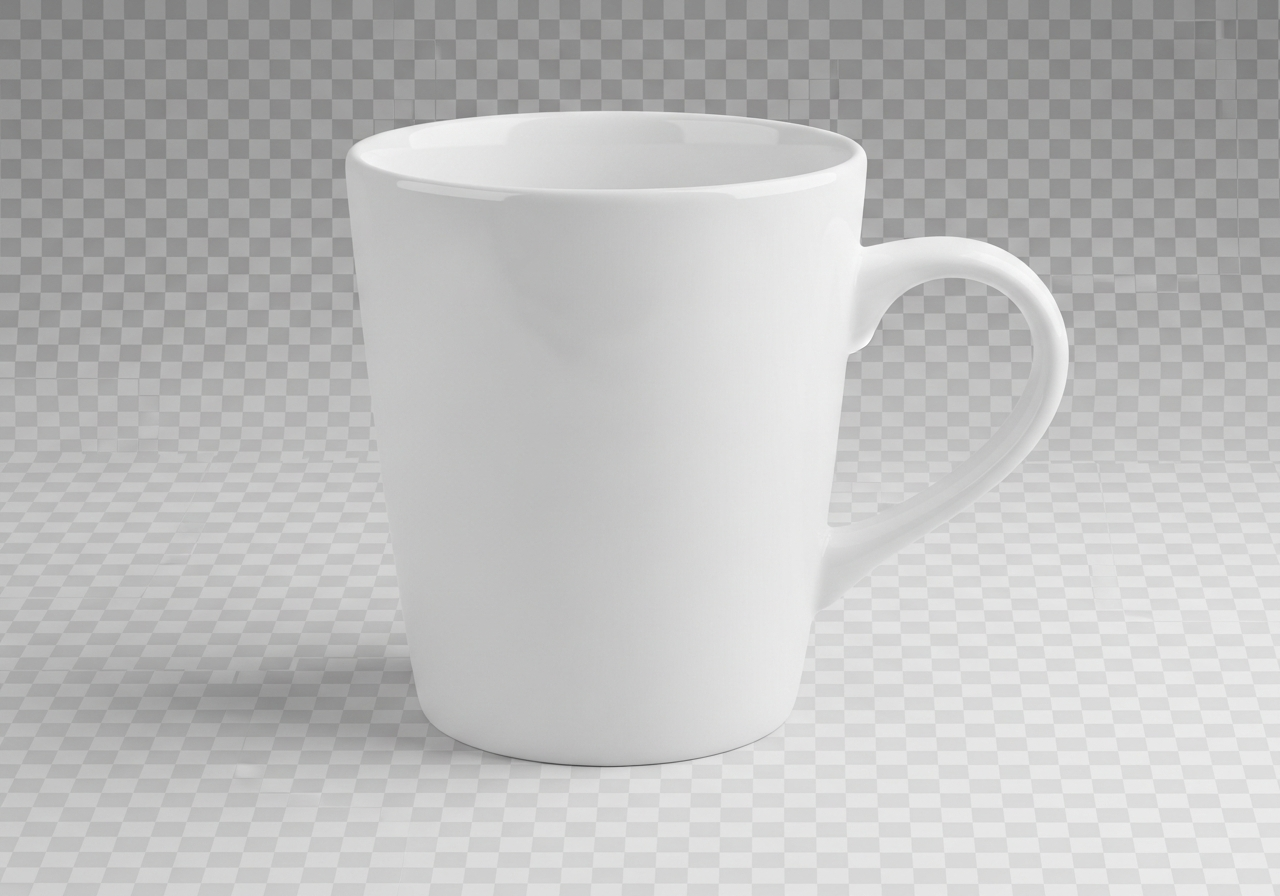
Create Mockups with AI
Upload a product, logo, screenshot, or reference image and describe the final look you want. The AI will generate a polished mockup concept for you.
Your AI-generated business card mockup will appear here
Upload an image to get started
AI Business Card Mockup Design Generator
Generate polished AI mockup designs for product launches, ecommerce listings, presentations, and brand concepts. Describe the asset, scene, and style to create ready-to-share visuals.
Upload Reference (optional)
Style Direction (optional)
Business Card Mockup (optional)
Output Type
Describe Your Mockup *required
How to Use This AI Business Card Mockup Generator
Upload a logo, product image, screenshot, or rough reference, then choose the mockup type and visual direction you want. Describe the scene, branding, and finish in detail. The AI generates a polished mockup image you can use for pitches, ecommerce, and creative exploration.
Add a Reference
Upload a product image, logo, screenshot, or mood reference, or start from scratch with a text description of the mockup you need.
Set the Direction
Choose a mockup type and style such as minimal, luxury, editorial, studio, ecommerce, or lifestyle so the output matches your presentation goals.
Generate Your Mockup
Click generate to receive a polished visual concept ready for product pages, client presentations, social posts, or launch materials.
Mockups for Every Use Case
Mockups for Every Use Case
Use the AI mockup generator for ecommerce product shots, branded packaging, apparel previews, social media assets, screen presentations, and launch visuals. It helps you turn an idea into something clients and customers can immediately understand.
Whether you need a clean studio shot for a product listing or a lifestyle scene that feels campaign-ready, the tool can turn a short prompt into a polished concept without waiting on a full design workflow.
Why Use an AI Business Card Mockup Generator?
Why Use an AI Business Card Mockup Generator?
Traditional mockup production takes time across concepting, layout, compositing, and revisions. This tool shortens that cycle by generating visual directions quickly, which is useful for early-stage pitches, internal reviews, and fast-turn marketing work.
It also helps when you want to test multiple presentation angles before investing in a final polished asset. You can compare luxury, minimal, ecommerce, or editorial directions in minutes and move faster with stronger creative alignment.
Popular Mockup Styles
Popular Mockup Styles
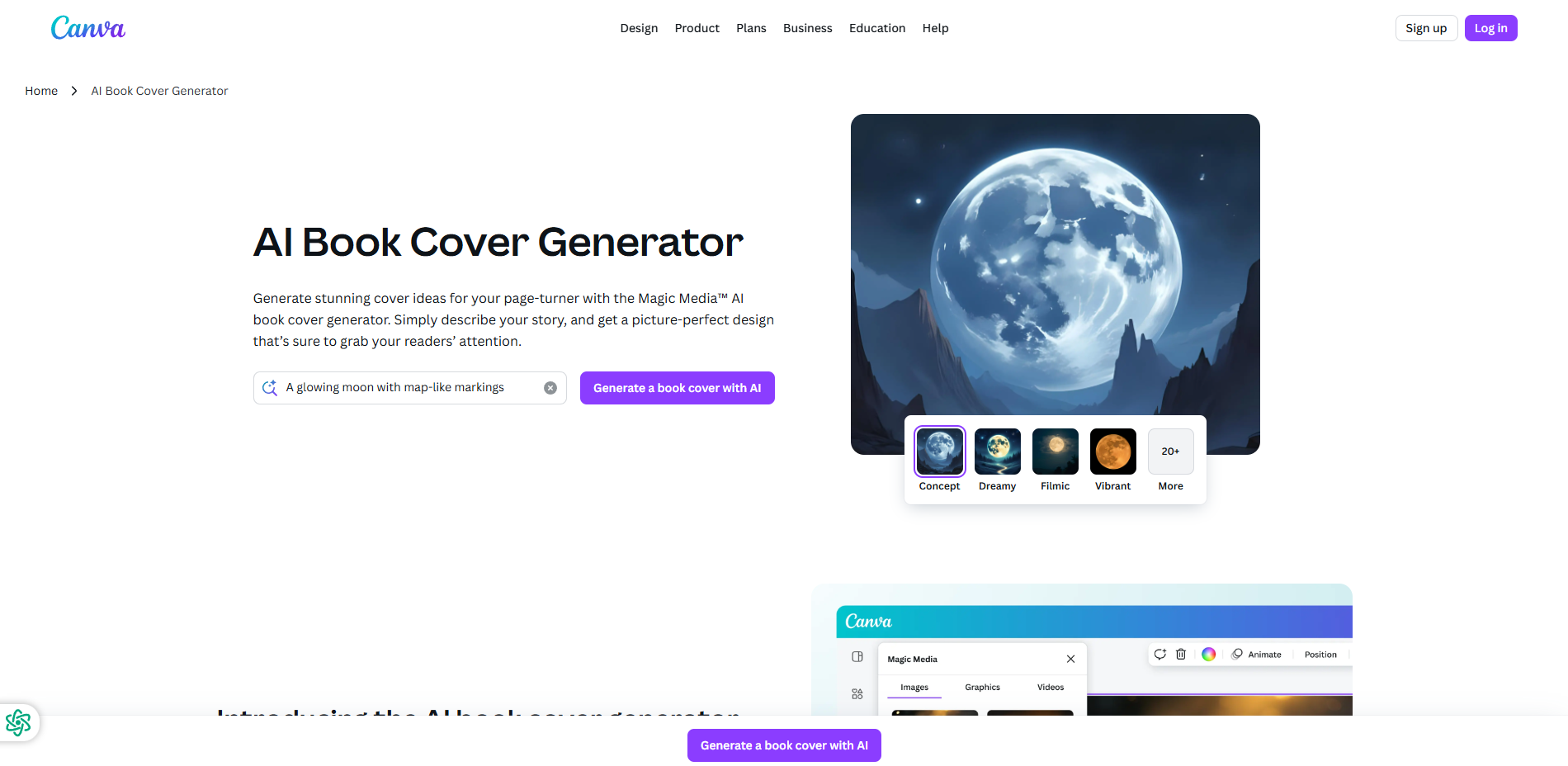
Minimal mockups focus on clean composition, restrained colors, and clear product emphasis. Luxury mockups lean on premium materials, rich contrast, and elevated lighting for a higher-end presentation.
Editorial styles feel like magazine art direction, while studio mockups keep the subject isolated and highly controlled. Ecommerce emphasizes clarity and conversion, and Lifestyle places the product in a believable real-world scene.
Brand Consistency and Color
Brand Consistency and Color
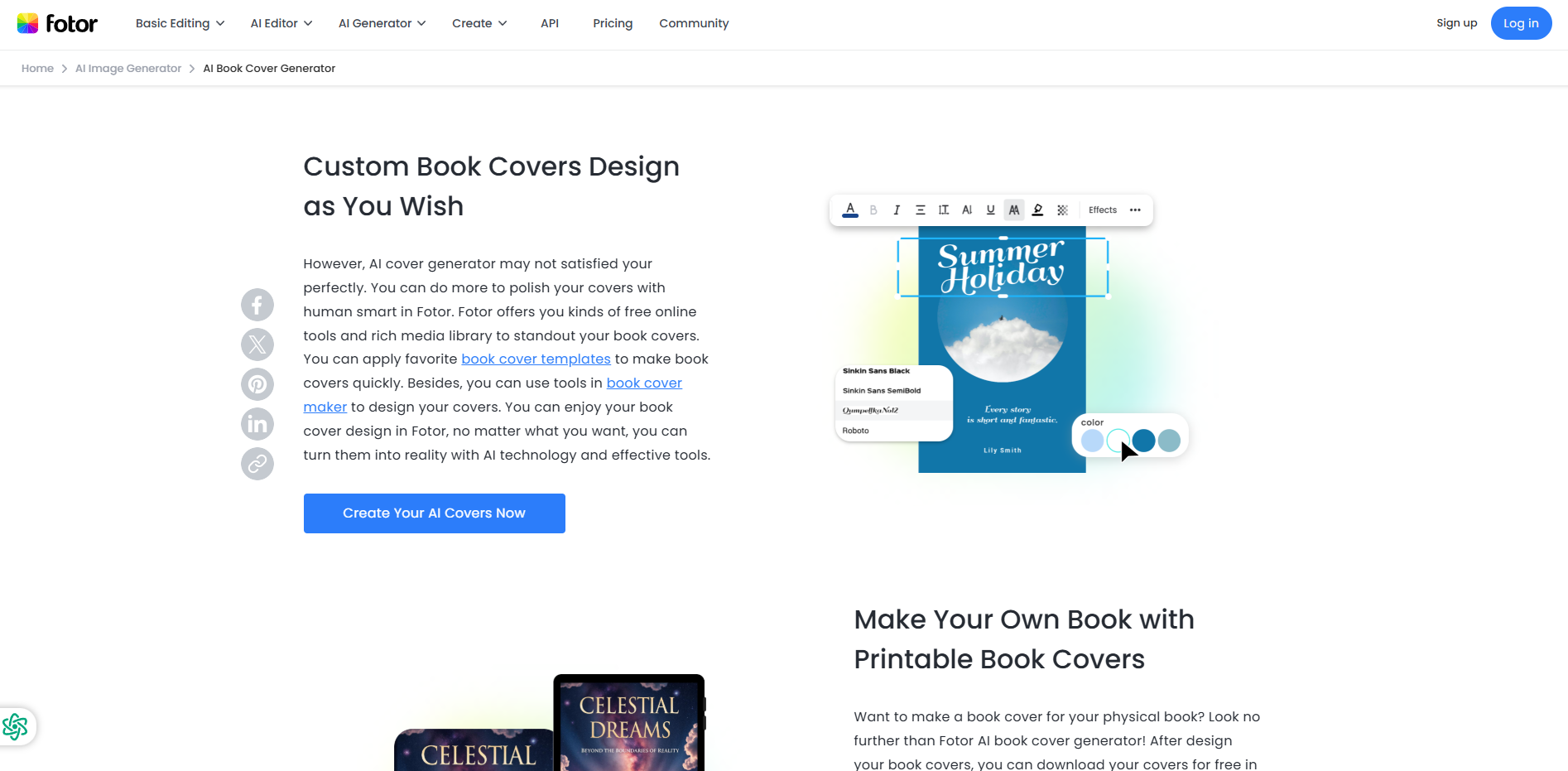
Strong mockups stay visually aligned with the brand. That means matching packaging color, typography mood, lighting intensity, and background treatment so the result feels coherent instead of generic.
Use your prompt to specify palette, material finish, and contrast level. Matte neutrals can feel premium and modern, while brighter backgrounds and sharper color separation often work better for ads, social posts, and ecommerce thumbnails.
Presentation-Ready Scenes
Presentation-Ready Scenes
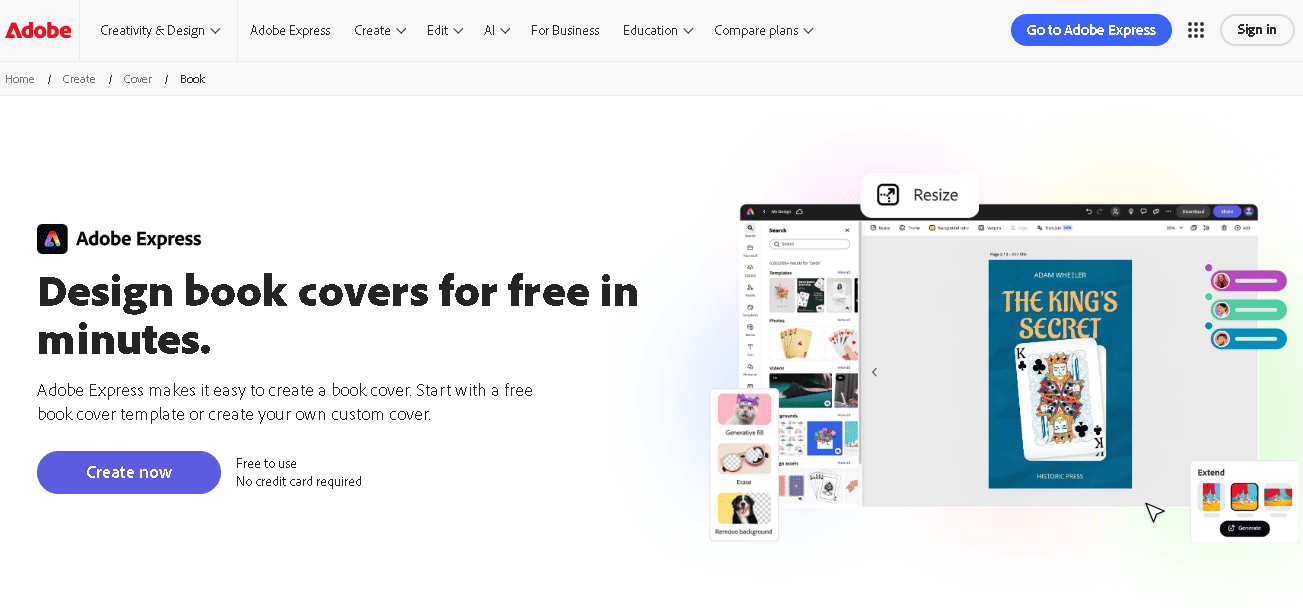
Mockups work best when the scene supports the product instead of distracting from it. Clean shadows, realistic scale, and a deliberate camera angle make even a simple concept feel much more finished.
The AI can help you stage flat lays, desktop scenes, handheld product shots, packaging displays, and on-device previews that feel ready for client decks, landing pages, and ad concepts.

Faster Creative Iteration
Faster Creative Iteration
When you need multiple creative directions quickly, AI mockups give you a faster way to test concepts before moving into final production. That is useful for product launches, packaging updates, seasonal campaigns, and internal brand reviews.
Instead of waiting for a full manual mockup setup each time, you can revise the prompt, change the style direction, and generate a new concept rapidly until the team agrees on the right visual path.
Frequently Asked
Questions
What kinds of mockups can the AI generate?
You can create product, packaging, apparel, phone, laptop, billboard, social media, and book cover mockups from a prompt or reference image.
Can I choose a specific mockup style?
Yes. You can guide the result with styles like minimal, luxury, editorial, studio, ecommerce, and lifestyle so the output fits your brand and channel.
Is it free to use?
Yes, the page is available with no login required, and you can start creating immediately.
Can I upload a logo, screenshot, or product photo?
Yes. Upload a product shot, packaging image, logo, screenshot, or rough creative reference and the AI will turn it into a polished mockup concept.