Remove Image
Background
Instantly with AI
Upload any photo and get a clean transparent PNG in seconds. Perfect for product photos, portraits, logos, and more — powered by advanced AI.
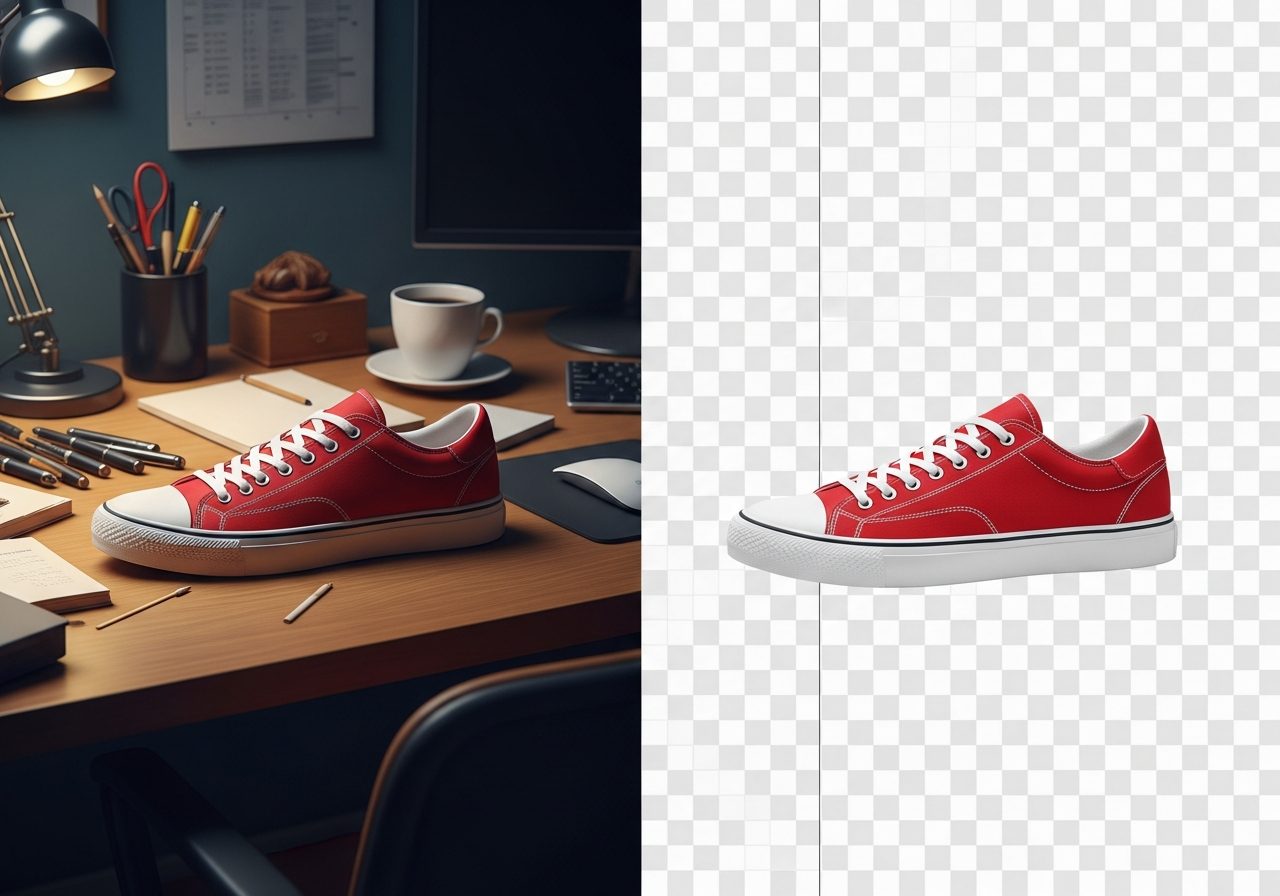
AI Background Remover
Remove backgrounds from any image instantly with AI. Upload a photo and download a transparent PNG in seconds.
Remove Background in Seconds
Upload your image and let AI do the work. Get a clean transparent PNG ready for any use.
Your result will appear here
Upload an image to get started
How to Remove a Background
Our AI-powered background remover works with any image — product photos, selfies, logos, pets, objects, and more. Just upload and download your transparent PNG.
Upload Your Image
Click the upload area or drag and drop any JPG, PNG, or WebP image. The AI works with photos of people, products, animals, objects, and more.
AI Removes Background
Advanced AI instantly detects the subject and removes the background with precise edge detection, preserving fine details like hair and transparent objects.
Download Transparent PNG
Get your image with a clean transparent background, ready for e-commerce listings, social media, presentations, graphic design, and more.
Perfect for E-Commerce & Product Photos
Perfect for E-Commerce & Product Photos
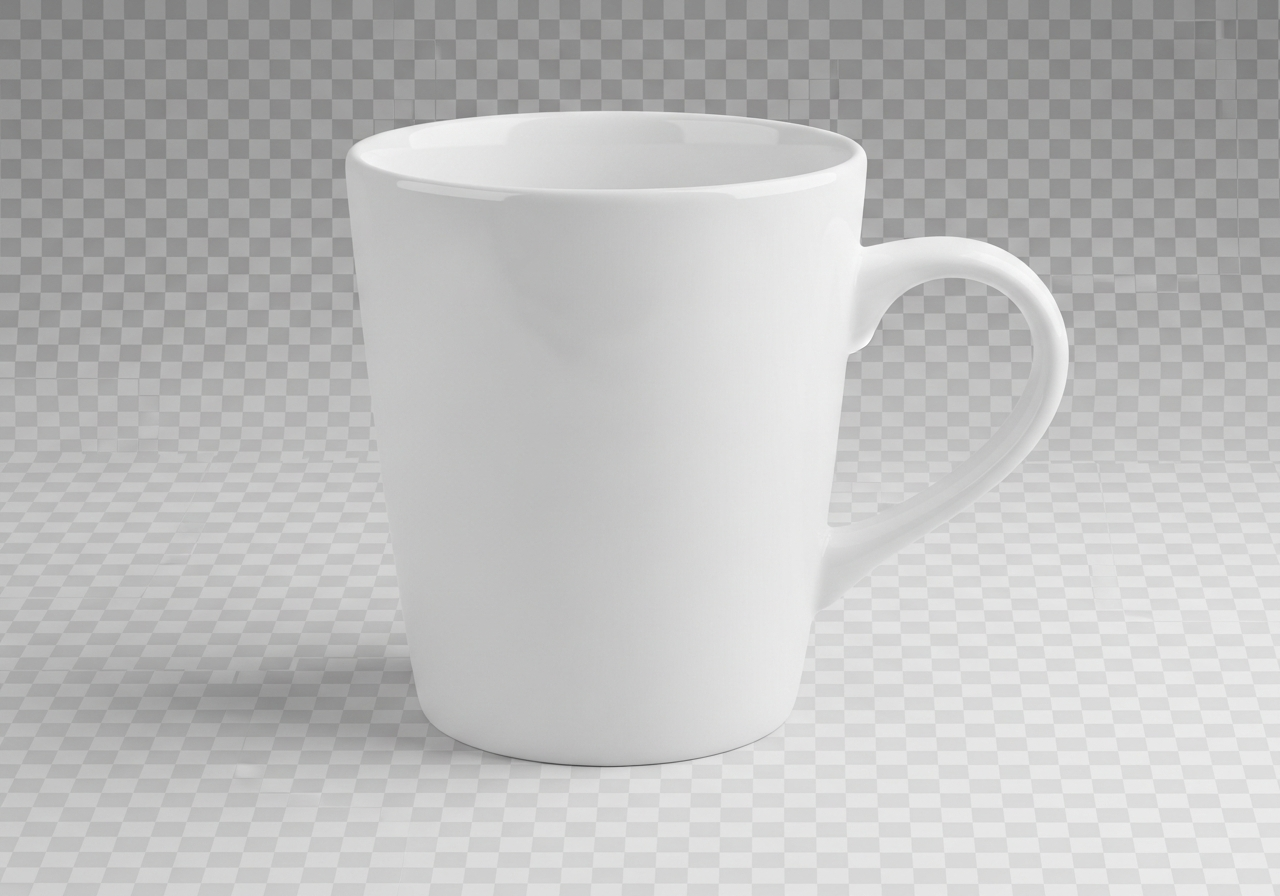
Remove backgrounds from product photos to create clean, professional listings for Amazon, Shopify, Etsy, and eBay. White or transparent backgrounds are required by most marketplaces and significantly increase click-through rates.
The AI handles complex edges, shadows, and reflections automatically — no Photoshop skills needed. Process individual images or prepare multiple product photos for your entire catalog.
Cars, Vehicles & Social Media Content
Cars, Vehicles & Social Media Content
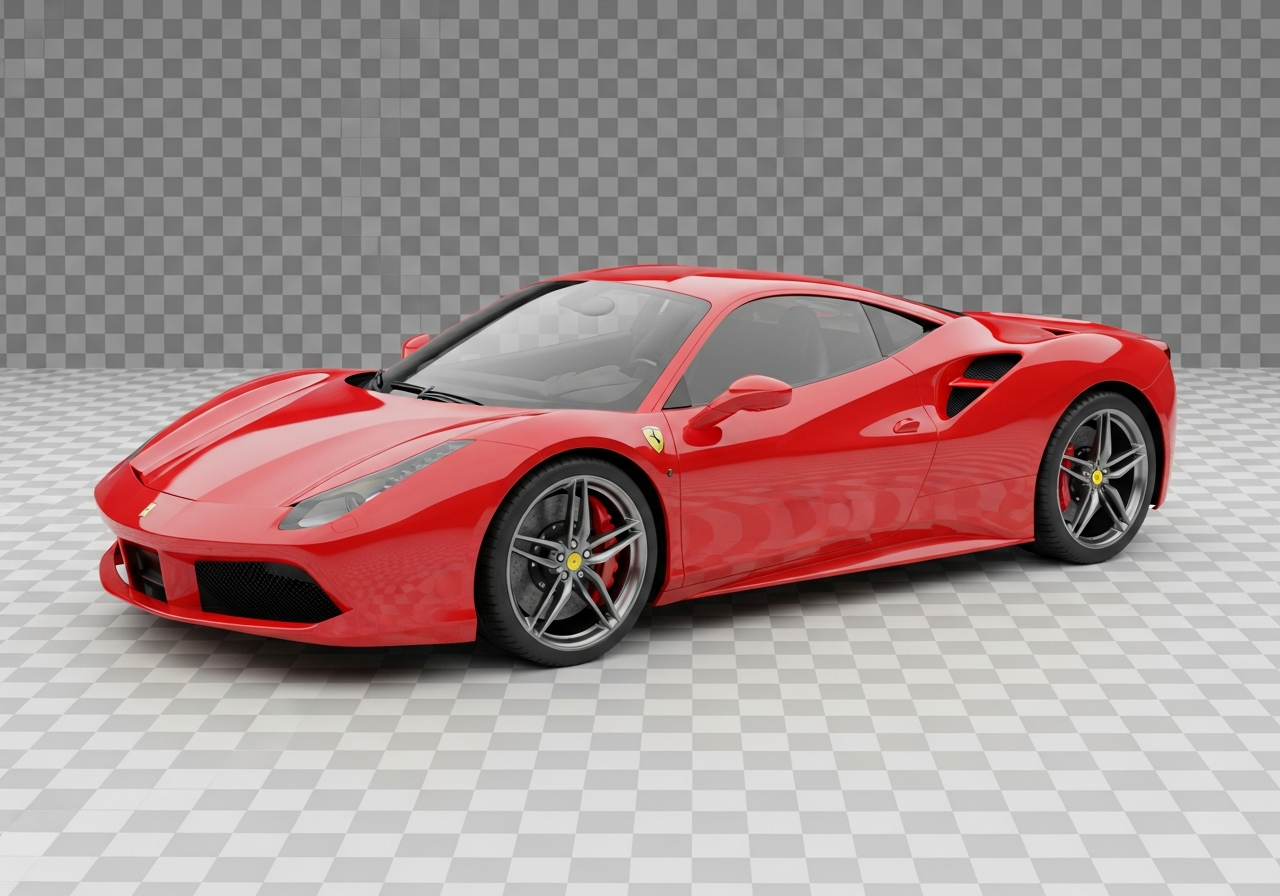
Create stunning vehicle photos for listings, social media, and marketing by removing distracting backgrounds. The AI preserves clean edges around complex shapes like wheels, mirrors, and bodywork.
Use transparent PNGs to place your subject on any background — solid colors, gradients, brand templates, or creative compositions. Perfect for car dealerships, automotive blogs, and marketplace listings.
Logos, Icons & Graphic Design
Logos, Icons & Graphic Design
Extract logos, icons, and graphic elements from any background for use in presentations, websites, and print materials. The AI handles crisp vector-like edges on text and shapes for pixel-perfect results.
Convert JPG logos with colored backgrounds into clean transparent PNGs. Perfect for watermarks, brand overlays, business cards, and any design project that needs a clean cutout.

Pets, Animals & Fun Projects
Pets, Animals & Fun Projects
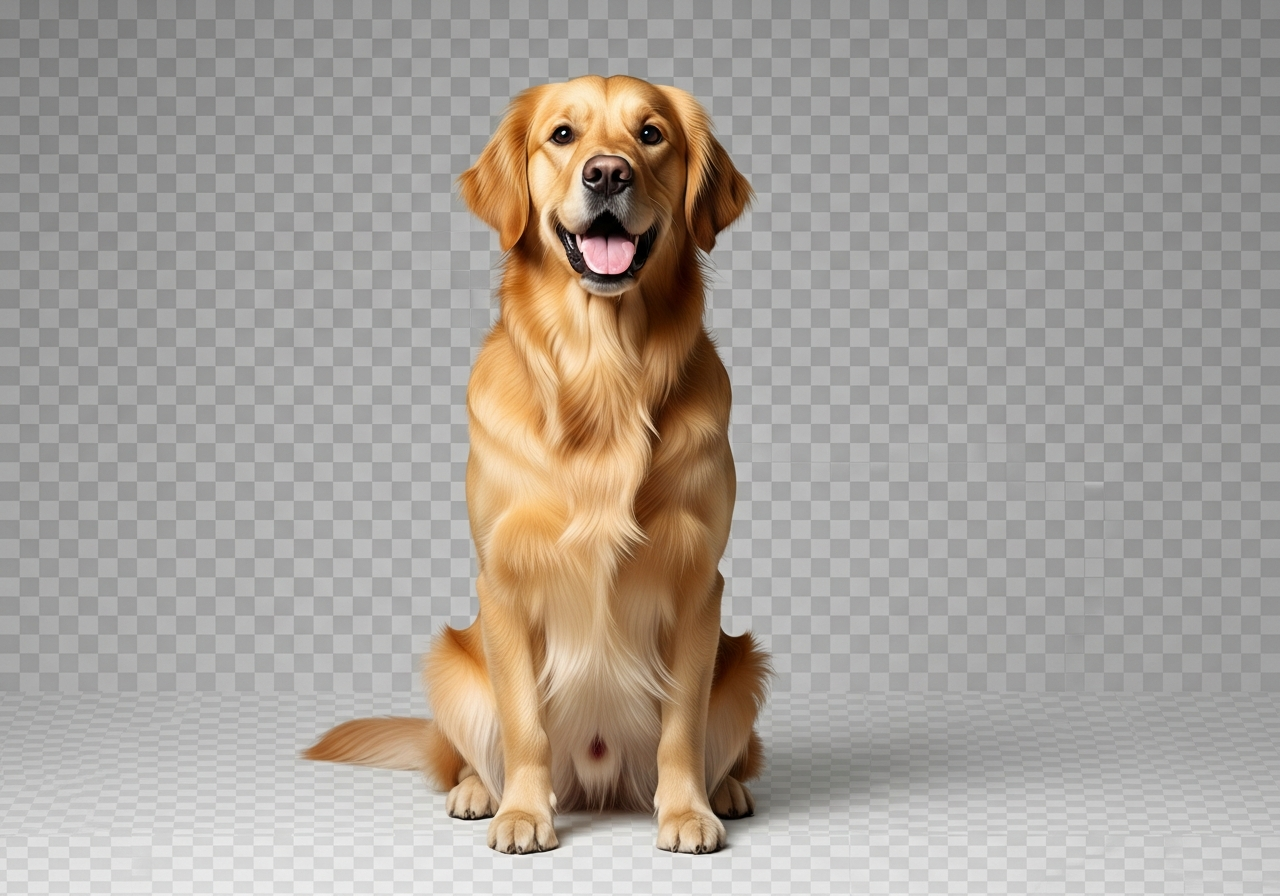
Remove backgrounds from pet photos for custom stickers, greeting cards, merchandise, and social media posts. The AI handles fur, whiskers, and fluffy edges with impressive accuracy.
Great for pet store listings, veterinary websites, animal rescue profiles, or just making fun memes and collages with your furry friends. Works with dogs, cats, birds, and any animal.
Frequently Asked
Questions
How does the AI background remover work?
Our AI uses advanced machine learning trained on millions of images to detect the subject in your photo and separate it from the background. It creates a transparent PNG with clean, precise edges — even around hair, fur, and semi-transparent objects.
What image formats are supported?
You can upload JPG, JPEG, PNG, and WebP images up to 10MB. The output is always a high-quality transparent PNG file that you can use anywhere.
Is it free to use?
Yes, the background remover is free to use. Create a free account and you'll receive credits to remove backgrounds from your images.
Can I use the results commercially?
Absolutely! The AI model is trained on properly licensed data (Getty Images, Envato), making all results safe for commercial use including product listings, marketing materials, and client work.
How long does background removal take?
Most images are processed in 3-10 seconds depending on resolution. The AI works instantly — no manual editing or waiting in queues.