AI Background Remover for Logos
Convert any logo image to a clean transparent PNG in seconds. Upload a logo with a colored or white background and our AI removes it — giving you a versatile transparent logo file ready for websites, business cards, merchandise, and any branding material.
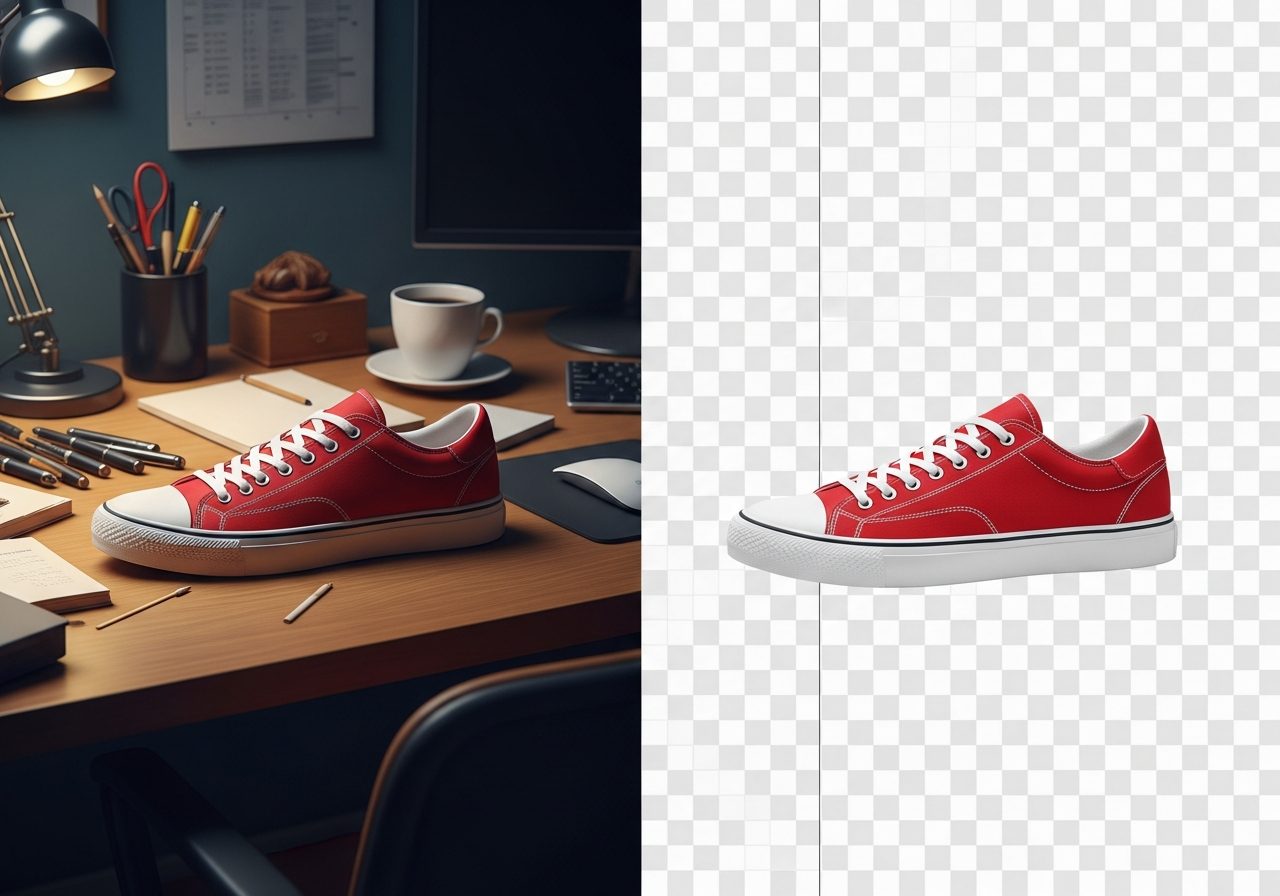
AI Background Remover for Logos
Convert any logo image to a clean transparent PNG in seconds. Upload a logo with a colored or white background and our AI removes it — giving you a versatile transparent logo file ready for websites, business cards, merchandise, and any branding material.
Remove Background in Seconds
Upload your image and let AI do the work. Get a clean transparent PNG ready for any use.
Your result will appear here
Upload an image to get started
How It Works
Upload Your Logo
Upload your logo image in JPG, PNG, or WebP format. Works with any logo style — text, icon, combination, or emblem logos.
AI Removes the Background
Our AI detects the logo elements and removes the surrounding background, preserving all colors, gradients, and fine details.
Download Transparent Logo
Get your logo as a transparent PNG. Place it on any colored background, website header, business card, or merchandise without white boxes.
Essential for Professional Branding
A transparent logo is a branding essential. It lets you place your logo on any background — dark, light, textured, or photographic — without an ugly white or colored box around it.
Whether you're putting your logo on a website header, social media profile, email signature, or printed materials, a transparent PNG is the most versatile format.

Works With All Logo Types
Text logos, icon logos, mascot logos, emblem logos, combination marks — our AI handles them all. It preserves colors, gradients, shadows, and fine typographic details.
Even complex logos with thin lines, small text, or intricate patterns are processed with clean, precise edges.
Frequently Asked Questions
Will it preserve my logo's colors exactly?
Yes. The AI only removes the background — all logo colors, gradients, and effects are preserved exactly as they appear in the original image.
Can I use the transparent logo for printing?
Absolutely. The transparent PNG works great for digital printing, screen printing templates, embroidery digitizing, and any print application that supports transparency.
What if my logo has a very similar color to the background?
If the logo and background colors are very similar, the AI may need refinement. Use the drawing tool to mark areas that need adjustment after the initial removal.
Is this better than manually removing the background in Photoshop?
For most logos, our AI produces results comparable to manual Photoshop work in a fraction of the time. For extremely complex or low-contrast logos, minor touch-ups may still be needed.